
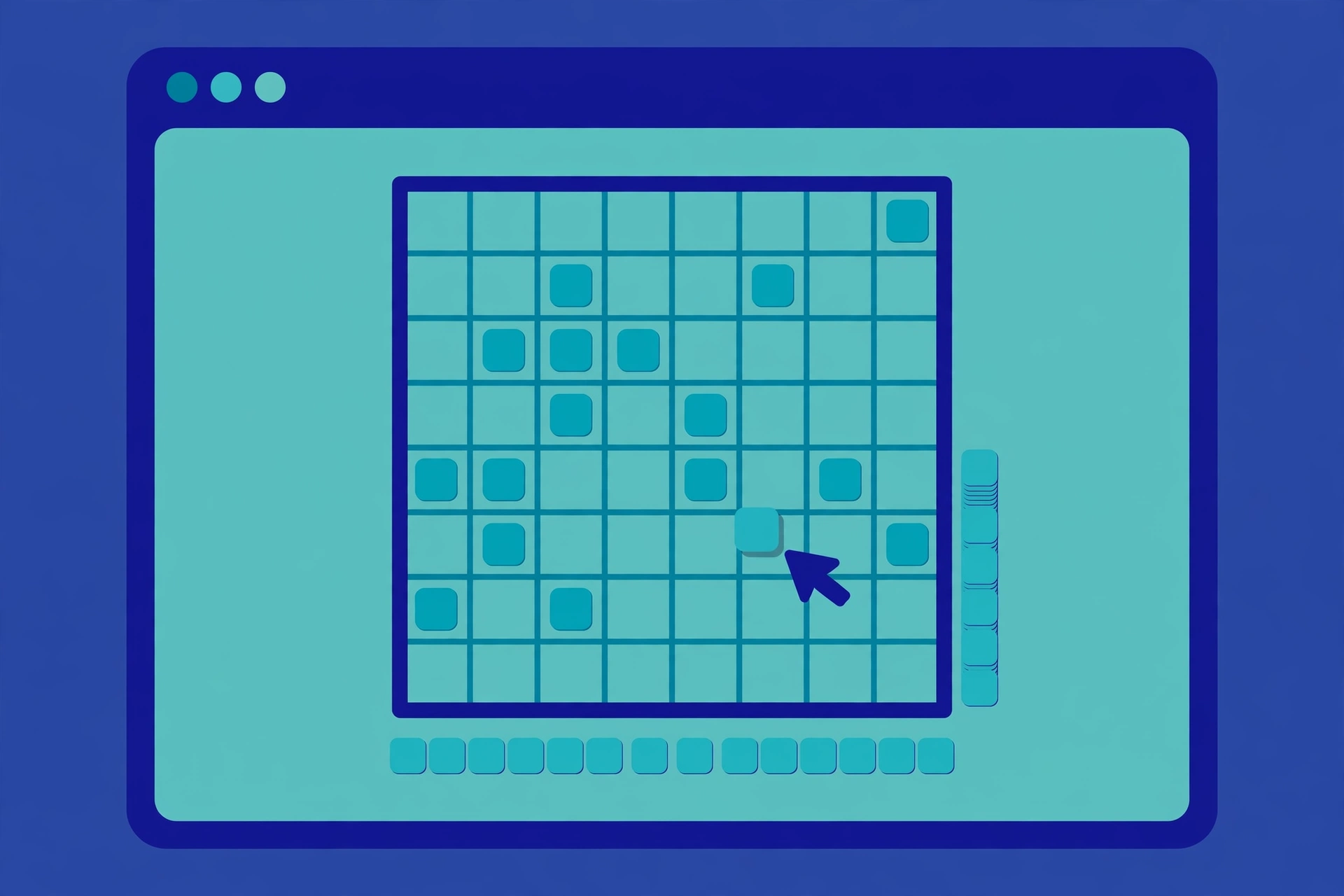
Web Sudoku is a free online Sudoku website at websudoku.com that lets you play Sudoku puzzles directly in your browser at four difficulty levels: Easy, Medium, Hard, and Evil. Launched in June 2005 by Gideon Greenspan and Rachel Lee, it is one of the longest-running Sudoku sites on the internet, once named one of Time magazine's 50 Best Websites.
What Is Web Sudoku?
At its core, Web Sudoku is refreshingly simple: pick a difficulty level, and the site generates a fresh Sudoku puzzle for you to solve on screen. Every puzzle has a unique solution that can be reached through logic alone. You fill the 9×9 grid so that each row, column, and 3×3 box contains the digits 1 to 9 without repeats. Registration is optional, and the web version is free. The site also advertises "billions of free Sudoku puzzles," reflecting its puzzle generator's enormous supply of grids (Wikipedia, "Web Sudoku").
The Story Behind Web Sudoku
Web Sudoku was founded by Gideon Greenspan and Rachel Lee and launched in June 2005. Its timing was perfect: the mid-2000s saw a global Sudoku boom, with newspapers everywhere adding the number puzzle and readers hungry for more. Web Sudoku rode that wave and grew quickly.
In 2006, Greenspan claimed that about three million people were playing on the site, with numbers "still growing very rapidly from week to week," adding that some players solved dozens of these logic puzzles every day. That figure came from the founder himself in a 2006 interview with The Columbian, so treat it as a historical claim rather than a current statistic.
The site's profile rose further in 2008, when Time magazine named it one of the "50 Best Websites 2008" (Anita Hamilton, 17 June 2008). It was also cited in Tatiana Shubin's 2011 book Expeditions in Mathematics and ranked 7265th in Jonathan Harchick's The World's Best Websites.
Greenspan and Lee have stayed in the puzzle business ever since. Lee authored the book Classic Sudoku, featuring 200 puzzles from the site, and the pair also run Jigsawdoku, a related puzzle site.
Difficulty Levels: An At-a-Glance Guide
The free web version offers four difficulty levels. Here's who each one suits:
| Level | Who It's For |
|---|---|
| Easy | Complete beginners learning the rules; great for a first puzzle |
| Medium | Casual players who know basic techniques like scanning and pencil marks |
| Hard | Confident solvers ready for trickier logic and deduction chains |
| Evil | Experts only — requires advanced techniques and serious patience |
The jump from Hard to Evil is notoriously steep. New players should start at Easy and work up; there's no shame in that. Evil puzzles demand pattern-recognition techniques such as X-Wing patterns, Swordfish, and forcing chains.
The site is available in four languages: English, French, German, and Spanish.
How to Play on Web Sudoku
Step-by-Step: Your First Game
- Go to websudoku.com in any browser — no download or sign-up needed.
- Choose your difficulty: Easy, Medium, Hard, or Evil.
- A fresh puzzle appears in the classic 9×9 grid with some numbers pre-filled.
- Click a blank cell, then click or type the number you want to place.
- Use the pencil-mark (candidate) feature to note possible numbers in a cell before committing.
- When the grid is complete and valid, the site confirms your solution.
Tips for Solving on the Site
- Avoid trial and error. Find a logical reason for every number you enter, the site's own advice.
- Look for nearly-finished units. Rows, columns, or 3×3 boxes with just a few blanks remaining are the easiest wins.
- Try new numbers where they matter most. Adding a number that appears in many givens constrains the grid fastest.
- Use pencil marks on Hard and above. Keeping track of candidates is essential once simple scanning stops working.
The Deluxe Version vs the Free Web Version
Beyond the free browser game, there is a paid Deluxe version aimed at serious solvers. Here's how they compare:
| Feature | Free Web Version | Deluxe Version |
|---|---|---|
| Price | Free | Paid download (free trial available) |
| Where it runs | Browser | Windows and macOS apps |
| Difficulty levels | 4 (Easy–Evil) | More difficulties and variations |
| Offline play | No | Yes |
| Print puzzles | Limited | Yes |
| Full-screen play | No | Yes |
| Customisation | No | Yes |
According to Wikipedia, the Deluxe app offers offline play, more puzzle variations and difficulties, printing, full-screen mode, and other customisation features. The Mac version is 32-bit only, and activating a copy uses a license key sent by email. Free trials of the Deluxe version are available.
Web Sudoku is also available as mobile apps: the CrazyGames listing describes Android and iOS versions of Web Sudoku, so you can take the same simple experience to your phone.
Strategies and Tips
- Master the basics first. Easy and Medium puzzles are all about scanning: check each row, column, and box for the one place a number must go.
- Use pencil marks religiously. On Hard and Evil, write in every candidate and eliminate them systematically as you place numbers.
- Learn one technique at a time. Naked pairs, hidden singles, and pointing pairs will carry you through Medium and most of Hard.
- Save Evil for last. Evil puzzles assume you already know advanced strategies; jumping in early will just frustrate you.
- Play in short sessions. Sudoku rewards fresh eyes — stepping away for ten minutes often breaks a deadlock.
- Don't fear starting over. Restarting a puzzle with what you've learned often solves it in half the time.
Is Web Sudoku Still Worth Playing in 2026?
Honestly, yes — with the right expectations. Web Sudoku is not flashy. There are no daily challenges, no leaderboards, no animated celebrations, and no hint systems that teach you new techniques. Modern rivals like Sudoku.com or the NYT games offer all of that.
What Web Sudoku does offer is something increasingly rare: a fast, clean, no-account, no-download Sudoku generator that just works. The interface is deliberately simple — pick a level, play a puzzle, check your solution. It loads instantly, runs on any browser, and the Evil difficulty genuinely tests experts. If you want an endless supply of free Sudoku without ad-heavy modern game portals or mandatory sign-ups, Web Sudoku remains one of the best choices. If you want coaching features, timers, and streaks, newer apps will suit you better.
Is Web Sudoku free?
Yes. The web version at websudoku.com is completely free to play, with no account required. A separate paid Deluxe version adds offline play, printing, and more difficulties.
Who created Web Sudoku?
Web Sudoku was founded by Gideon Greenspan and Rachel Lee, who launched the site in June 2005. Lee later authored a book, Classic Sudoku, featuring puzzles from the site — our [sudoku puzzle book guide](https://plusword.co.uk/sudoku-puzzle-book/) covers how to choose collections like hers.
What does the Evil level mean?
Evil is Web Sudoku’s hardest difficulty level, sitting above Hard. Evil puzzles require advanced solving techniques such as X-Wings, Swordfish, and forcing chains, and can take experienced solvers a long time.
Is there a Web Sudoku app?
Yes. There is a downloadable Deluxe app for Windows and macOS with a free trial, and Web Sudoku is also available as Android and iOS apps, per the CrazyGames listing.
Do I need an account to play?
No. Registration is optional on Web Sudoku — you can open the site, pick a difficulty, and start playing immediately.
How many puzzles does Web Sudoku have?
The site describes itself as offering “billions of free Sudoku puzzles to play online,” since its puzzles are generated rather than hand-written. Every puzzle has a unique solution reachable by logic.
Is Web Sudoku still being maintained?
The site remains live and fully functional at websudoku.com. While its design has barely changed in years, the puzzle generator works as it always has. The official site is [websudoku.com](https://websudoku.com), where every version of the game plays directly in the browser.