
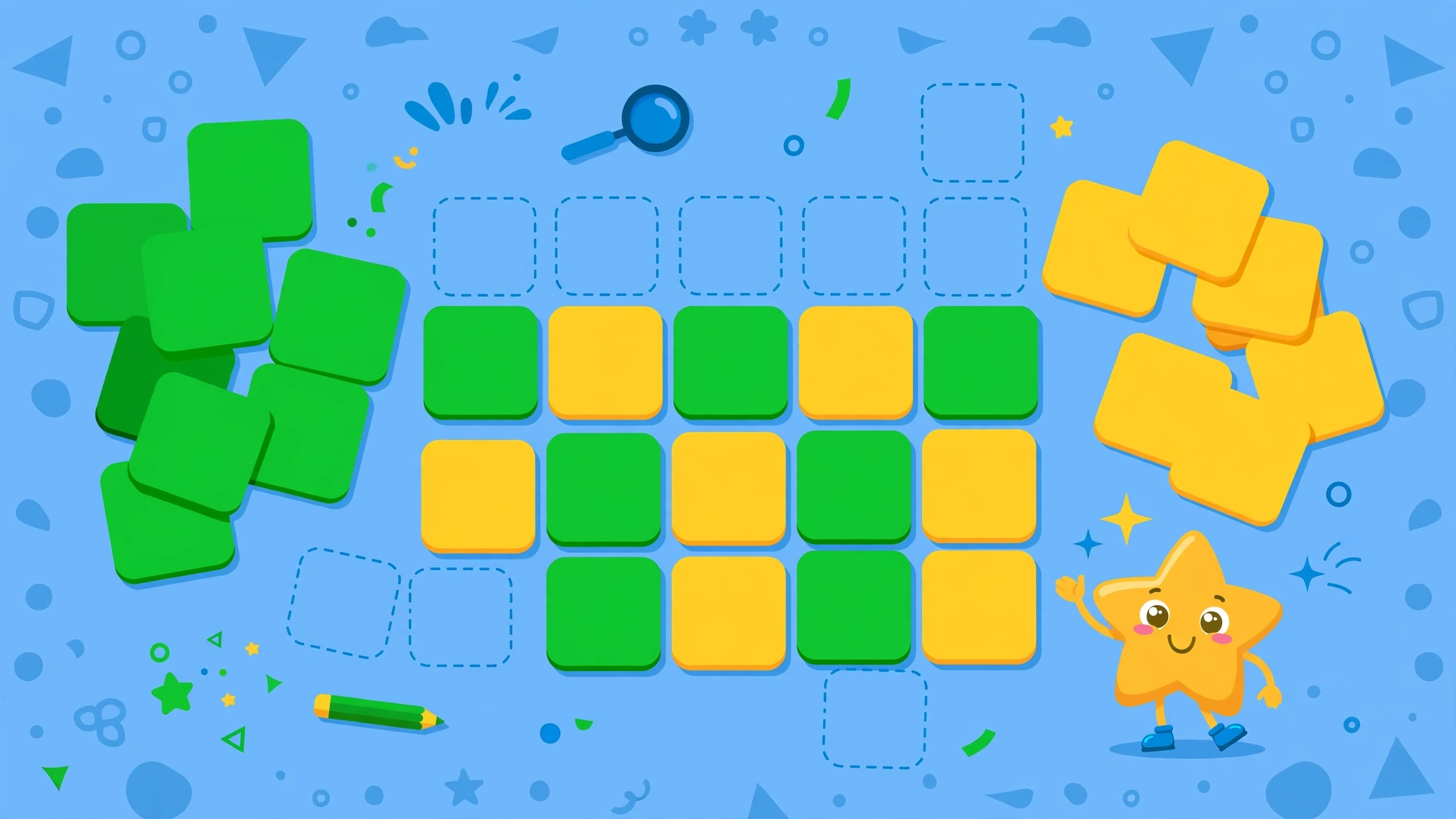
Searching for the Kiddle word game usually leads to Kidle, a kid-friendly word-guessing game in the Wordle family built specifically for children — part educational word game, part spelling practice. Instead of one hard 5-letter puzzle a day, Kidle lets kids pick 3-letter or 4-letter words and play as many free, unlimited rounds as they like, with no ads and no sign-up.
What Is Kidle (the Kiddle Word Game)?
Kidle is a word-guessing game for kids of all ages developed by MotherCoder Labs LLC. It works like Wordle — you guess a hidden word and get colour feedback on every try — but every part of it is tuned down for young players: shorter words, more tries, and a relaxed, cheerful presentation.
According to its Android store listing, the app has been available on Google Play since February 2022, has been downloaded more than 14,000 times, is completely free to download with no ads, and carries a content rating of Everyone (AppBrain; APKPure).
Why do people search for "Kiddle"?
"Kiddle" is a common misspelling of "Kidle". It is also the name of a well-known kid-safe search engine (Kiddle.co), which adds to the confusion. When most people type "kiddle word game", they are looking for the children's word-guessing game — and that game is Kidle.
How to Play Kidle
Playing is deliberately simple so young children can jump in without a tutorial:
- Choose your word length — pick 3-letter words for beginners or 4-letter words for a bigger challenge.
- Type your guess — enter any valid word of the chosen length.
- Read the colours — after each guess, the tiles change colour to show how close you were:
- Green — the letter is in the word and in the right spot.
- Yellow/amber — the letter is in the word but in the wrong spot.
- Grey — the letter is not in the word at all.
- Keep guessing — you get generous attempts (for example, seven tries on the 4-letter mode), so kids can experiment without pressure.
- Play again — there is no daily limit. Start a fresh round whenever you like.
A browser version called Kidle Unlimited (hosted on portals such as kveez.com) follows the same idea: guess a four-letter word in seven tries, with an optional colour-blind-friendly colour scheme for players with reduced colour perception.
Key Features
- Two difficulty levels — 3-letter words for early readers, 4-letter words for confident spellers.
- Unlimited, free rounds — no daily cap, no streak pressure, no timers.
- No ads — the Android app is listed as ad-free, which matters for children's software.
- Colour feedback like Wordle — green, yellow and grey tiles teach letter logic through play.
- Everyone rating — suitable for young learners, with no chat, no social features and no in-app trickery to worry about.
- Regular updates — the developer has kept the app current with Android compatibility updates, most recently in August 2026 (AppBrain).
Kidle vs Wordle: What's Different?
| Feature | Kidle | Classic Wordle |
|---|---|---|
| Word length | 3 or 4 letters | 5 letters |
| Guesses per puzzle | Generous (e.g. 7 tries) | 6 tries |
| Puzzles per day | Unlimited | 1 per day |
| Ads | None | None (NYT version) |
| Sign-up | Not required | Optional |
| Target audience | Children | Everyone |
| Hint pressure | Low — built for learning | Higher — one shot per day |
Kidle keeps Wordle's satisfying "aha" moment but removes everything that could frustrate a child: the hard vocabulary, the six-guess pressure, and the once-a-day limit that makes a failed puzzle sting. For more on how Plusword differs from the original, see our Plusword vs Wordle guide.
Tips for Parents and Young Players
- Start with 3-letter words — early readers will feel successful fast, which builds confidence.
- Use it as a spelling warm-up — ten minutes of Kidle before homework works as a gentle brain-wake-up.
- Talk through the colours — asking "which letters are definitely in the word?" turns each guess into a mini logic lesson.
- Let them guess silly words — experimentation is the point; even wrong guesses eliminate letters.
- Switch to 4-letter mode when 3 feels easy — the step up is noticeable but manageable.
- Play together — taking turns guessing makes it a family game rather than a solo screen session.
- Try the unlimited browser version — handy on a shared computer or tablet without installing anything.
Where to Play the Kiddle Word Game
- Android — free download on Google Play (package com.JLB.Kiddle, published by MotherCoder Labs LLC).
- APK mirrors — listed on APKPure and similar Android app repositories.
- Browser — Kidle Unlimited is playable free on web portals such as kveez.com, no download needed.
Because the app is ad-free and rated Everyone, it is one of the safer choices among children's word games — there are no purchases, no chat rooms and no social pressure mechanics (AppBrain; APKPure).
Why Kid-Friendly Word Games Matter
Word-guessing games build vocabulary, spelling awareness and logical thinking without feeling like homework. Kidle's design — short words, kind feedback, unlimited retries — matches how children actually learn: by trying, failing safely and trying again. It is a small, honest game that does one thing well, which is exactly what makes it worth knowing about. For the original daily word puzzle, read what Plusword is.
How Parents Can Use Kidle as a Learning Tool
Kidle works best as a short daily ritual rather than a long session. Start young readers on the 3-letter mode: with only three letters and generous attempts, early readers can sound out each guess and feel the win quickly, which matters more than difficulty at that age. Once three-letter rounds feel easy, step up to the 4-letter mode with its seven tries — the extra guess gives kids room to experiment with letter patterns without frustration. Play together at first: ask your child to say each guess aloud before submitting it, turning every round into phonics practice, and talk through what the tile colours mean so the feedback itself becomes a lesson. Because rounds are unlimited and free with no ads, you can do a burst of three or four games as a spelling warm-up before homework. And when your child meets a word they do not know, look it up together — Kidle's kid-safe word list means every unknown word is a safe, useful addition to their vocabulary.
What is the Kiddle word game?
It is a common spelling of “Kidle”, a kid-friendly Wordle-style word-guessing game with 3- and 4-letter words, free unlimited rounds and no ads.
Is Kidle free?
Yes. The Android app is free to download and play, with no ads and no in-app purchases listed on its store page.
What ages is Kidle for?
It is rated Everyone and designed for kids of all ages — particularly early readers who are learning spelling and letter patterns.
How many letters are the words in Kidle?
Players choose between 3-letter and 4-letter word modes, making it much easier than the classic 5-letter Wordle.
How many guesses do you get in Kidle?
The 4-letter mode gives seven tries per puzzle — more generous than Wordle’s six guesses on harder words.
Can you play Kidle unlimited times?
Yes. Unlike daily Wordle, Kidle has unlimited rounds, so kids can play as many games in a row as they like. If you prefer one-a-day challenges, browse our [daily puzzle games](https://plusword.co.uk/daily-puzzle-games/) round-up.
Is there a browser version of Kidle?
Yes. Kidle Unlimited is available free on web portals such as kveez.com, playable without downloading anything.
Who made Kidle?
Kidle was developed by MotherCoder Labs LLC and has been available on Google Play since February 2022 (AppBrain).
Does Kidle show ads to children?
No. The app’s store listing shows no ads and no in-app purchases, which is one of the reasons it is recommended as a kid-safe word game — children can play unlimited rounds without ad interruptions.
What is the difference between 3-letter and 4-letter Kidle?
The 3-letter mode is the gentlest starting point for early readers, while the 4-letter mode steps up the challenge with longer words and seven tries per puzzle. Most kids progress naturally from one to the other.
Can Kidle help with school spelling?
It reinforces letter patterns, sounding out words and the link between spelling and meaning through repetition. Treat it as a fun supplement to school spelling practice rather than a replacement for it. — Sources: AppBrain app listing (appbrain.com/app/kidle/com.JLB.Kiddle); APKPure listing (apkpure.net/kidle/com.JLB.Kiddle); kveez.com Kidle Unlimited page.