
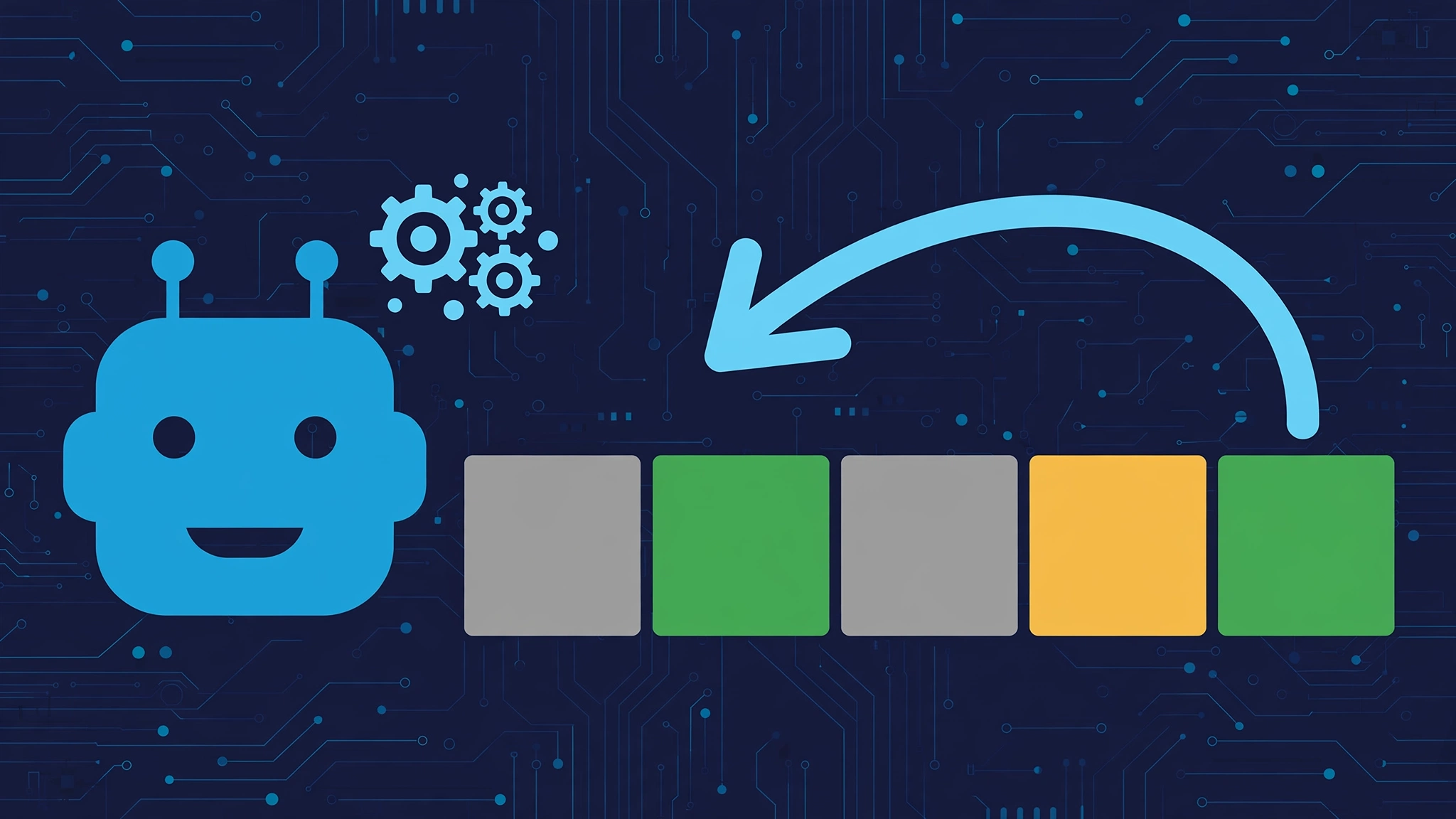
Eldrow is a reverse Wordle game — "Wordle" spelled backwards — where the roles are flipped: you think of a secret five-letter word and the computer tries to guess it. Instead of making guesses yourself, you give the solver color-coded feedback (green, amber, grey) on each of its attempts until it cracks your word.
What Is Eldrow?
Eldrow takes the familiar Wordle formula and turns it inside out. In classic Wordle, the game picks a hidden word and you guess it. In Eldrow, you pick the hidden word and the game's solver does the guessing. Your job is to judge each of the computer's guesses using the same color system Wordle players know: grey means the letter is not in your word, amber (yellow) means it is in the word but in the wrong position, and green means it is correct and correctly placed.
The game was conceptualized by Xuming "Simon" Zeng, a web frontend software engineer at Meta, as a playful twist on the Wordle phenomenon. Rather than testing your vocabulary, Eldrow tests how well you can steer — or stall — an algorithm. Some players try to help the solver win quickly; others try to drag the game out by feeding it the trickiest feedback possible, leading it into a series of hard-mode guesses.
Several open-source versions of the concept exist. A Python solver by abbottli filters a five-letter word list using your grey, yellow, and green feedback and suggests the statistically strongest next guess. A Java implementation, ElDrowGame by ivanlaguna511, adds a cheat-detection system that mathematically checks whether your feedback was honest. There is even a Farcaster mini-app version with on-chain streak tracking. The core idea, though, is the same everywhere: the human knows the answer, and the machine must find it.
How to Play Eldrow: Step by Step
Playing Eldrow is simple once you grasp the reversed roles. Here is how a typical round works on the web version:
1. Think of a secret five-letter word. Pick any valid five-letter English word and keep it in mind — for example, ROVER. Do not type it anywhere; it lives only in your head.
2. Let the solver make its first guess. The computer opens with a guess of its own choosing, much like a Wordle player opening with a starter word such as ARISE or CRANE.
3. Color-code each letter. Click on the letters of the solver's guess to mark them. The first click turns a tile amber (the letter is in your word but in the wrong spot), the second click turns it green (correct letter, correct spot), and unmarked tiles stay grey (the letter is not in your word at all). Be honest — the solver trusts your feedback completely.
4. Press Enter and watch it think. The solver processes your colors, narrows down its word list, and produces its next guess. Sometimes its logic looks strange — it may deliberately test letters it "knows" are wrong, just to split the remaining possibilities in half.
5. Repeat until it wins. Keep marking each guess until the solver lands on your exact word. If the solver's final answer somehow is not the word you were thinking of, most versions include a "Not Your Word" link so you can flag the mismatch and start over.
Eldrow Rules and Tile Colors
Eldrow uses the same rules and colors as Wordle, only the roles are reversed:
- Grey: the letter is not in the secret word.
- Amber/Yellow: the letter is in the secret word but not in the correct position.
- Green: the letter is in the secret word and in the correct position.
Because you are the one assigning colors, accuracy matters. One wrongly marked tile can send the solver down a dead end — or, if you are playing mischievously, one deliberately misleading mark can waste several of its guesses.
Eldrow vs Wordle: What's Different?
| Feature | Wordle | Eldrow |
|---|---|---|
| Who picks the secret word | The game | You |
| Who guesses | You | The computer solver |
| Who gives color feedback | The game | You |
| Goal | Guess the word in 6 tries | Guide (or stall) the solver |
| Skill tested | Vocabulary and deduction | Honest marking and strategy |
| Daily limit | One puzzle per day | Varies by version |
The biggest mental shift is that you are no longer solving — you are adjudicating. Good Eldrow players think like the algorithm: which feedback narrows the field fastest? Players who enjoy the mischievous side do the opposite, choosing ambiguous markings that keep the maximum number of words in play for as long as possible.
Tips for Playing Eldrow Well
Pick a fair starter word. Common words with ordinary letter patterns (like HEART or PLANT) give the solver a sporting chance. Obscure words with repeated letters or unusual patterns (like EERIE or JAZZY) make its job much harder.
Mark carefully. Double-check every tile before submitting. Remember that amber means "in the word, wrong spot" — if the solver already has a green letter locked in, do not also mark a duplicate amber unless your word genuinely contains that letter twice.
Think about what the solver learns. Each round of feedback eliminates hundreds of words. If you want a quick solve, give crisp, decisive markings. If you want to prolong the game, prefer markings that leave many possibilities open — for instance, marking a common vowel grey early forces the solver to explore wider.
Try the adversarial game. A popular way to play is "solver vs. human": see how many guesses you can force the computer to need. Because the solver plays optimally, beating it requires genuinely tricky words and cleverly ambiguous (but honest) feedback.
Explore the solver versions. The Python and Java open-source builds let you peek under the hood and see exactly how the guessing algorithm filters its dictionary. Watching the word list shrink after each guess is half the fun.
Where to Play Eldrow Free
Eldrow is a browser-based game and is not available on the Google Play Store or the Apple App Store, according to game guides. You can play it free through its official website and on word-game portals such as wordle-unlimited.io/eldrow and wordle-nyt.org/eldrow. Portal versions sometimes add their own twists — for example, some offer five puzzles a day instead of Wordle's single daily puzzle — so the exact format can vary from site to site. All of these are unofficial fan-run versions, not affiliated with the New York Times or the original Wordle.
If you enjoy the classic daily word puzzle format too, you can compare the experience with the original game in our guides to how to play Plusword and Plusword vs Wordle.
What does Eldrow mean?
Eldrow is simply “Wordle” spelled backwards, which reflects the game’s reversed concept: instead of you guessing the computer’s word, the computer guesses yours.
Who created Eldrow?
Eldrow was conceptualized by Xuming “Simon” Zeng, a web frontend software engineer at Meta, as a reverse twist on Wordle.
Is Eldrow free to play?
Yes. Eldrow is free to play in your web browser through its official site and various word-game portals. It is not sold on app stores.
How is Eldrow different from a Wordle solver?
A Wordle solver helps you guess the game’s word. Eldrow flips this: you hold the secret word and the solver guesses it, with you providing the color feedback.
Can I play Eldrow on my phone?
Yes. The web-based versions work in mobile browsers on both iOS and Android, since there is no app to install.
What happens if the solver guesses wrong?
If the solver’s final answer is not the word you were thinking of, most versions include a “Not Your Word” option so you can correct it and keep playing.
Is Eldrow affiliated with the New York Times?
No. Eldrow is an unofficial fan-made project and is not affiliated with the New York Times, Wordle’s owner, or the original Wordle creator.
Can I make the game harder for the solver?
Yes — choose obscure five-letter words with uncommon letter patterns, and give feedback that keeps many candidate words alive. Just keep your markings honest so the solver has a fair chance. [1](https://nerdschalk.com/how-to-play-eldrow-a-reverse-wordle-game/) [2](https://wordle-unlimited.io/eldrow) [3](https://wordle-nyt.org/eldrow) [4](https://github.com/abbottli/eldrow) [5](https://github.com/ivanlaguna511/eldrowgame/blob/HEAD/README.md) [6](https://pubhtml5.com/enud/cgcg/basic/)