
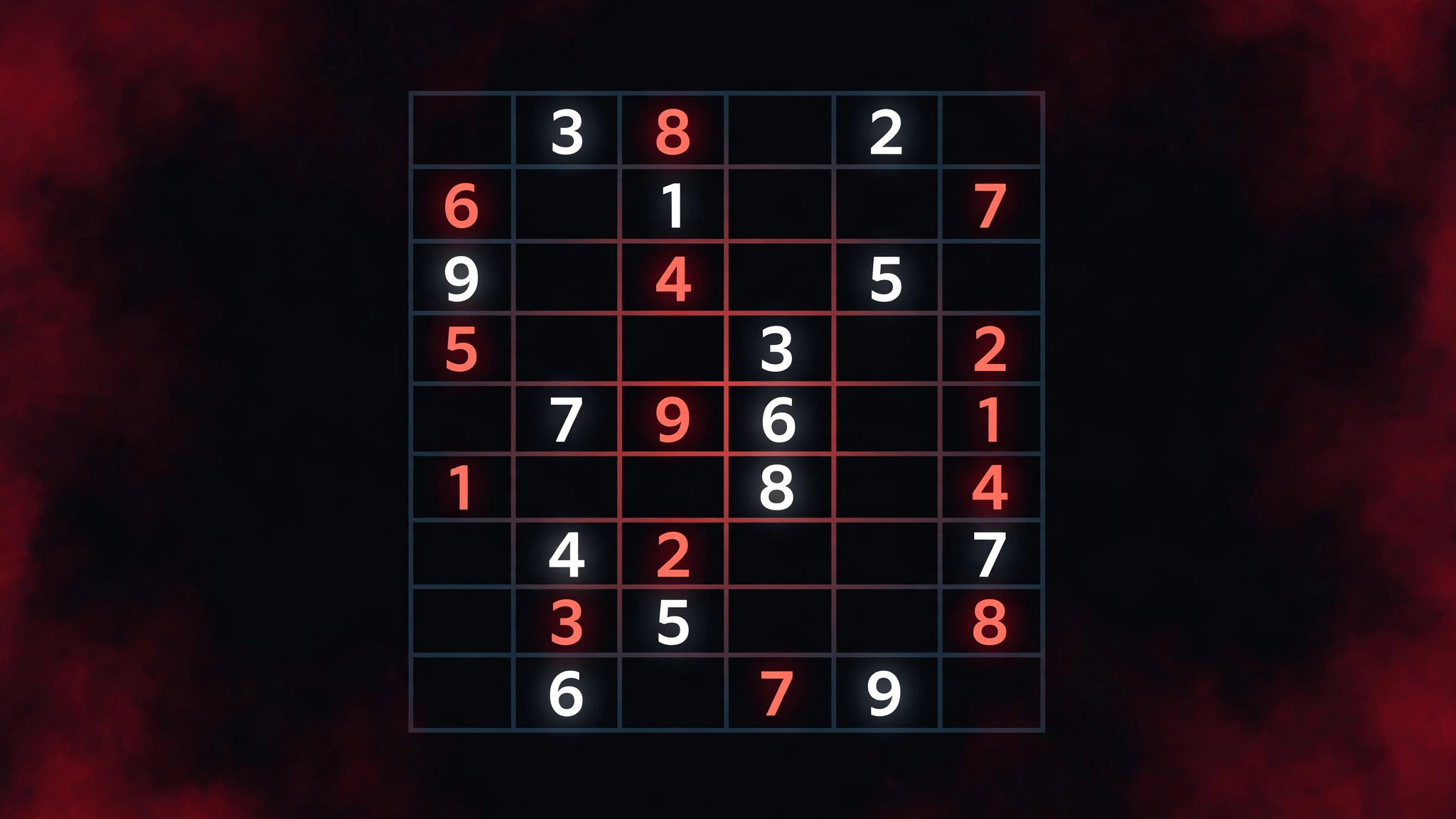
Web Sudoku Evil is the hardest difficulty level on websudoku.com, the long-running free sudoku site. Evil puzzles start with the fewest given clues of any level on the site, and solving them demands advanced techniques such as X-Wing, Swordfish and forcing chains. Here is how Web Sudoku Evil works, what makes it so tough, and the strategies that actually beat it.
What Is Web Sudoku?
Web Sudoku is a free online sudoku website at websudoku.com that describes itself as offering "Billions of Free Sudoku Puzzles to Play Online." According to its own FAQ page, the site is run by Gideon Greenspan and Rachel Lee, launched in 2005, and "rapidly became the most popular Sudoku website on the Internet, attracting millions of unique visitors every month."
Its enduring appeal is simplicity: no sign-up, free puzzles, and the classic 9×9 grid where each row, column and 3×3 box must contain the digits 1 to 9 exactly once. Before you play, you pick one of four difficulty levels — Easy, Medium, Hard or Evil — directly on the homepage. (For a broader look at evil-level puzzles in general, see our separate guide to evil sudoku difficulty; this article is specifically about the Evil tier on websudoku.com.)
Web Sudoku's Four Difficulty Levels
The four levels form a clear progression. Each step up reduces the number of starting clues and demands more sophisticated logic:
| Level | Best for | What changes |
|---|---|---|
| Easy | Complete beginners | Plenty of givens; mostly single-candidate placements |
| Medium | Casual players | Fewer givens; hidden singles enter the picture |
| Hard | Experienced solvers | Locked candidates and pairs are needed |
| Evil | Expert solvers | Fewest givens; advanced patterns required |
Evil is the ceiling of the free online game. If you still want more after conquering it, the paid Web Sudoku Deluxe download adds a fifth tier called Extreme — described on the site as "Even more evil than Evil!"
What Makes Web Sudoku Evil So Hard?
Three things separate Evil from the other levels on the site:
Far fewer starting clues. An Evil grid opens with noticeably fewer given numbers than a Hard one. That means the "easy wins" — rows, columns or boxes with only one or two blanks — are rare or non-existent. Almost every cell starts with multiple candidate digits.
Deeper logical chains. On Easy and Medium you can often place numbers by scanning one row or box at a time. Evil forces you to reason across the whole grid: an elimination in one box restricts candidates three boxes away, and several such eliminations have to stack before a single digit can be placed with certainty.
No guessing — by design. The site's tips page is explicit: "Avoid trial and error – find a logical reason for entering each number." Evil puzzles are constructed so that a complete logical path exists; the path simply requires techniques a casual player may never have met.
This matches how other expert-level guides describe the tier. Live Sudoku's evil guide notes that Evil "adds advanced patterns such as X-Wing, Swordfish, and XY-Wing" on top of everything Hard requires, while SudokuBliss lists forcing chains and almost locked sets among the tools needed at this level.
How to Play Web Sudoku Evil on websudoku.com
Picking the Evil level
Go to websudoku.com and click Evil at the top of the page (or use the level=4 link). A fresh puzzle is generated immediately, and you can load a new one any time.
Interface tools worth knowing
- Pencil marks. Web Sudoku's own tips recommend this first: "For trickier puzzles, click Options to turn on pencil marks." At Evil this is not optional — you will need full candidate notation in every unsolved cell.
- "How am I doing?" This button checks your grid for mistakes. The site's FAQ confirms you can use it mid-game, and you still receive a rank on completion even if you used it.
- Timer and rank. The site times your solve and ranks it, so you can measure progress as you get faster at Evil.
- Variations. Squiggly, Sudoku-X, 12×12 and 16×16 grids are available, plus a printable-PDF Ebook option.
Strategies to Beat Web Sudoku Evil
1. Mark every candidate — and keep them clean
Turn on pencil marks and fill in all candidates before placing a single digit. Sloppy or incomplete notes are the number-one reason Evil attempts stall: every time you place a number or eliminate a candidate, update the affected row, column and box before looking for the next move. As Live Sudoku's guide puts it, "Evil boards punish messy notes."
2. Sweep naked and hidden singles first
Even on Evil, a few placements usually emerge from basic logic. A naked single is a cell with only one possible candidate; a hidden single is the only cell in a row, column or box that can hold a particular digit. Work through the grid digit by digit — pick one number (say, 7) and scan where it can still go — rather than staring at the whole board.
3. Use locked candidates (pointing and claiming)
When all candidates for a digit inside a box are confined to a single row or column, that digit can be eliminated from the rest of that row or column (pointing). The reverse — candidates for a digit in a row confined to one box — lets you clear them from the rest of the box (claiming). These eliminations are the bread and butter of Evil.
4. Find naked and hidden pairs
If two cells in the same row, column or box contain only the same two candidates, those digits are locked to those cells — eliminate them from everything else in the unit. Hidden pairs — two digits confined to the same two cells — are harder to spot and common in Evil openings.
5. Learn the X-Wing
The X-Wing is the signature Evil-level technique. Find a digit whose candidates form a rectangle across two rows and two columns; if the pattern holds in exactly those four cells, the digit can be eliminated from the rest of both columns (or rows). Many Web Sudoku Evil puzzles that resist all basic techniques crack open at the first X-Wing.
6. Add Swordfish and XY-Wing
A Swordfish is the X-Wing's bigger sibling: the same rectangle logic extended across three rows and three columns. An XY-Wing works with three cells: a "pivot" cell with two candidates and two "pincers" that each share one candidate with the pivot — this lets you eliminate the shared candidate from any cell that sees both pincers.
7. When truly stuck: forcing chains
A forcing chain starts from a cell with two candidates and follows the "if this, then that" logic down both branches. If both branches lead to the same conclusion — or one branch collapses into a contradiction — you have a proven elimination or placement. It is not guessing; it is exhaustive logic, and it satisfies Web Sudoku's "no trial and error" rule as long as each step follows logically.
Practical Tips for Evil Sessions
- Warm up on Hard first. If Evil feels impenetrable, play a few Hard puzzles and focus on clean candidate eliminations. The habits transfer directly.
- Search by digit, not by cell. Picking one digit and tracing it across rows and columns makes X-Wings and Swordfish far easier to spot than scanning cell by cell.
- Don't fear the "How am I doing?" button. A wrong digit early on poisons every deduction after it. Checking periodically beats rebuilding a broken grid.
Is Web Sudoku free?
Yes. The online game is completely free with no account required, and the site’s terms of use welcome you to “play and print an unlimited number of puzzles for personal use” ([Web Sudoku FAQ](https://www.websudoku.com/faqs.php)). The optional Web Sudoku Deluxe download is the paid product.
What is the hardest level on Web Sudoku?
Evil is the hardest of the four free levels on the website (Easy, Medium, Hard, Evil). The paid Deluxe version and the mobile app go one step further with an **Extreme** level, described by the site as “Even more evil than Evil!” ([Web Sudoku Deluxe](https://www.websudoku.com/deluxe.php)).
How long does a Web Sudoku Evil puzzle take?
Web Sudoku publishes no official average times, and they vary enormously with skill. Expect an Evil puzzle to take many times longer than an Easy one — use the timer and ranking to track your own improvement rather than comparing yourself to anyone else.
Can you get hints on Web Sudoku?
There is no dedicated hint button, but you have two lifelines: turn on pencil marks in Options (the site’s own recommendation for trickier puzzles) and use the **”How am I doing?”** button to check for mistakes. The Deluxe version additionally offers instant “puzzle solutions” to check your answers ([Web Sudoku Deluxe](https://www.websudoku.com/deluxe.php)).
Is there a Web Sudoku app?
Yes. The official mobile app offers the same four free levels with offline play, pencil marking, the “How am I doing?” mistake checker and an unlockable Extreme level; the website itself is also optimized for mobiles and tablets with a special on-screen keypad.
Can I print Web Sudoku Evil puzzles?
Yes. The site’s Ebook feature creates printable sudoku PDFs at your chosen levels, and the Deluxe version offers powerful printing (up to 6 puzzles per page). The terms of use allow printing for personal use and photocopying for family, friends or a school classroom.