
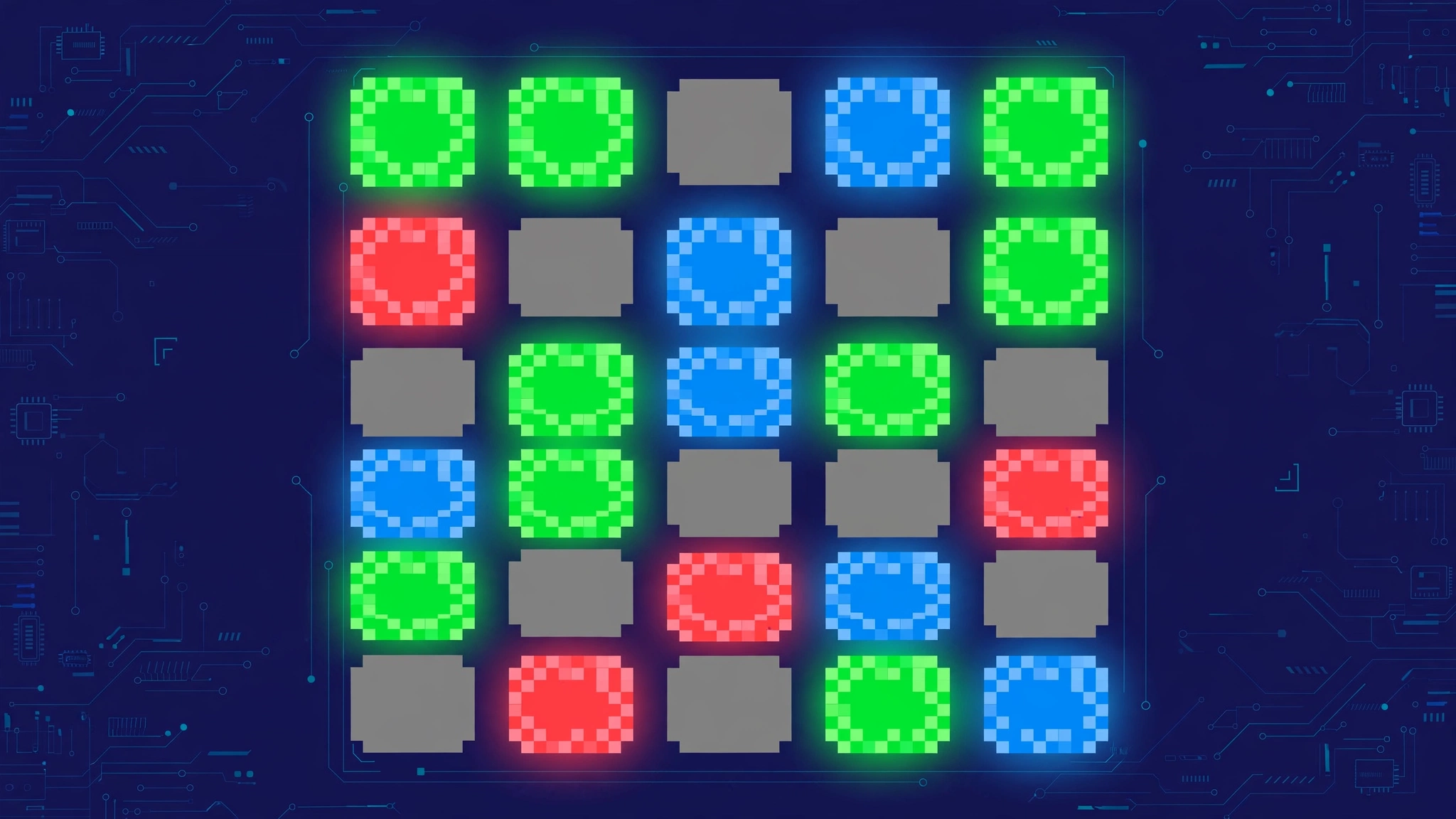
Pixletters is a word-guessing game where you find a secret word using pixel clues instead of plain color tiles. Every letter you type is drawn as a grid of pixels, and the pixels light up blue, green, red, or gray depending on how that letter relates to the hidden word — giving you more information per guess than a standard Wordle round. [1][2]
The Idea Behind Pixletters
Wordle tells you whether each letter is correct, misplaced, or absent. Pixletters goes one level deeper: it decomposes every letter into its pixels. Instead of one verdict per letter, you get a verdict per pixel of that letter.
That extra granularity is the whole point of the game. Two letters might both be "wrong" in Wordle terms, but in Pixletters one of them might share several pixels with the correct letter — and those shared pixels light up to steer you toward it. The result is a guessing game that rewards visual pattern recognition as much as vocabulary. [2]
Who Made Pixletters?
The mobile version of Pixletters was developed by Nebula Bytes and is available as a free app on Google Play and the App Store, where it holds a rating of around 4.7 out of 5. The game launched on mobile in December 2022 (AppBrain listing) and has been updated regularly since, most recently with bug fixes in late 2025. The web edition lives on various game portals and runs in the browser with no download required. [3][4]
As with many Wordle-inspired titles, the browser portals are fan-run mirrors rather than the official app, so expect them to differ slightly in features and advertising. The core pixel mechanic is the same everywhere. [3]
How to Play Pixletters: Step by Step
- Open the game. Use the app or a browser portal — both versions play the same way, so pick whichever device is handy.
- Type a word. Enter any valid word as your opening guess. Shape-diverse openers (letters with very different pixel patterns) reveal the most information.
- Read the pixels. Each letter of your guess is rendered as pixels, which light up according to the rules below. Study which pixels turned green (shared with the secret letter) and which turned red (definitely absent).
- Use the clues. Combine pixel information across all your guesses to narrow down the secret word — sketch the mystery letter's shape from the green pixels and eliminate shapes the red pixels rule out.
- Keep guessing. You typically get five attempts to arrive at the answer, so make every guess count. [2][5]
What the Pixel Colors Mean
The pixel legend is the heart of the game:
| Pixel color | Meaning |
|---|---|
| Blue pixels | The letter in this spot is correct |
| Green pixel | The letter in this position must include this pixel |
| Red pixel | The letter in this position must not include this pixel |
| Gray pixels | Unknown — these pixels may or may not be in the letter |
When a letter is correct, the whole letter turns blue. When it's wrong, the pixels from the top layer of the letter are colored individually: green where the secret letter shares that pixel, red where it definitely doesn't, and the remaining pixels stay gray, meaning unknown. [2][5]
A Worked Example
Imagine the secret word's first letter is B and you guess R. Both letters share a vertical stem and a top bowl, so those shared pixels glow green — telling you the mystery letter contains those pixels. Pixels unique to R glow red — telling you the mystery letter lacks them. You've learned something about the shape of the answer letter, even though R itself is entirely wrong. That shape-level feedback is information Wordle simply doesn't give you. [2]
Game Modes
- Daily challenge. One mystery word per day, shared by all players — the classic format, and the mode most players treat as their main puzzle. [2]
- Practice mode. Unlimited play with endless words, so you can keep guessing without waiting for tomorrow's puzzle. This is the best place to train your eye on pixel patterns. [2]
- PLUS mode. An alternate mode where pixel colors run along columns or rows, with an arrow indicating the direction. The arrow changes how you read the grid, so check it before interpreting any colours. [1]
- Difficulty levels. Some portals offer easy, medium, and hard settings to match your skill level — easier settings tend to use more common words, while hard mode pulls from a trickier vocabulary pool. [6]
Pixletters vs Wordle
| Feature | Pixletters | Wordle |
|---|---|---|
| Feedback unit | Individual pixels within each letter | Whole letters |
| Information per guess | High — shape clues plus letter clues | Standard — letter placement only |
| Attempts | Typically 5 | 6 |
| Daily + unlimited modes | Yes | Yes (via archives) |
| Official mobile app | Yes (Nebula Bytes, free) | No |
| Skill emphasized | Visual pattern recognition + vocabulary | Vocabulary + strategy |
If Wordle feels like solving an anagram, Pixletters feels like solving an anagram through a microscope. [2] For a head-to-head of two other daily word games, see Plusword vs Wordle.
7 Tips for Solving Pixletters Puzzles
- Learn the legend cold. Blue = correct letter, green = pixel present, red = pixel absent, gray = unknown. Misreading one color can derail a whole round. [2]
- Open with a shape-diverse word. Letters with very different shapes (like O, E, T, A) give you the most pixel information, because each one tests a different set of pixels. [5]
- Compare pixels, not letters. Two wrong guesses can still combine: green pixels from guess one plus red pixels from guess two sketch the outline of the answer letter. [2]
- Use gray as a clue too. Gray pixels mark uncertainty — don't treat them as confirmed absent. [2]
- Think in letterforms. Round letters (O, Q, G, C) share curved pixels; tall letters (I, L, T, F) share straight stems. Grouping by shape narrows the field fast. [5]
- Watch PLUS mode arrows. In PLUS mode the color direction changes, so check which way the arrow points before interpreting the grid. [1]
- Practice unlimited rounds. Use practice mode to train your eye on pixel patterns without burning your one daily puzzle. [2]
Where to Play Pixletters Free
- Mobile: The free Nebula Bytes app on Google Play (Android) and the App Store (iOS) — this is the official version, rated around 4.7 out of 5 by players. Note that the app contains ads, and players have asked for a paid ad-free option, so expect short ad breaks between puzzles. [3][4]
- Browser: Free web editions on game portals — no download or sign-up needed, and they run on desktop, tablet, and mobile browsers alike. These are unofficial mirrors, so features vary: some include the PLUS mode and difficulty settings, while others stick to the basic daily challenge. [2][5][6]
Pixletters vs Other Pixel Word Games
Pixletters isn't the only game to play with letter visuals, but it is one of the few to make the pixels themselves the clue system. Most Wordle clones change the theme (sports, music, movies) or the word count (Quordle, Octordle); Pixletters changes the feedback channel. That makes it genuinely distinct rather than a reskin — a good pick if you love Wordle's loop but want a new kind of information to chew on. Where a typical word puzzle app tests vocabulary alone, this one tests vocabulary and visual reasoning together, which is why it appeals to players who enjoy both word games and pattern puzzles. [1]
The Bottom Line
Pixletters takes the familiar guess-the-word formula and adds a second layer of deduction: pixel-level feedback that tells you not just whether a letter is right, but which parts of its shape belong in the answer. With a free official app, a daily puzzle, and an unlimited practice mode, it's an easy recommendation for anyone who has burned out on plain green-and-yellow tiles. If you enjoy Plusword's daily deduction loop, see how to play Plusword — it scratches a very similar itch, from a different angle. [2][3]
What is Pixletters?
Pixletters is a word-guessing game where each letter you enter is rendered as pixels, and the pixels light up blue, green, red, or gray to show how that letter relates to the secret word. [1][2]
Is Pixletters free to play?
Yes. The official Nebula Bytes app is free on Google Play and the App Store (with ads), and browser versions are free with no sign-up. [3][4]
How many tries do you get in Pixletters?
You typically get five attempts to guess the secret word, one fewer than classic Wordle. [2]
What do the blue pixels mean in Pixletters?
Blue pixels mean the letter in that spot is correct — the equivalent of a green tile in Wordle. [2][5]
What do green and red pixels mean?
A green pixel means the mystery letter must include that pixel; a red pixel means it must not. Gray pixels are still unknown. [2]
Is there a Pixletters unlimited mode?
Yes. Most versions include a practice mode with endless words alongside the one-a-day daily challenge, plus a PLUS mode variant. [1][2]
Who made Pixletters?
The mobile game was developed by Nebula Bytes and launched in December 2022. Browser portals are fan-run mirrors. [3][4]
Is Pixletters on iPhone and Android?
Yes — the official free app is available on both the App Store and Google Play. [3][4] **Sources:** [1] wordle-nyt.org/pixletters · [2] connectionsnyt.com/pixletters · [3] play.google.com/store/apps/details?id=com.nebulabytes.pixletters · [4] [AppBrain Pixletters listing](https://www.AppBrain.com/app/pixletters/com.nebulabytes.pixletters) · [5] wordhurdle.co/pixletters · [6] immaculategrid.io/pixletters